Posts

week 3 - Design Principles for Programming Final Quiz solutions

Image

Design Principles for Programming - Lesson 3 -week 3 - Solving Programming Problems solutions

Image

The Green Screen Problem Coursera Practice Quiz solution

Image

Green Screen Algorithm

Image
// write your code here var fgImage = new SimpleImage("drewRobert.png"); var bgImage = new SimpleImage("dinos.png"); var output = new SimpleImage( fgImage.getWidth(), fgImage.getHeight()); for (var pixel of fgImage.values()){     if (pixel.getGreen() >= pixel.getRed() + pixel.getBlue()){         var x = pixel.getX();         var y = pixel.getY();         var bgPixel = bgImage.getPixel(x,y);         output.setPixel(x,y,bgPixel);     }     else {         output.setPixel(pixel.getX(),  pixel.getY(),   pixel);     } } print (output);
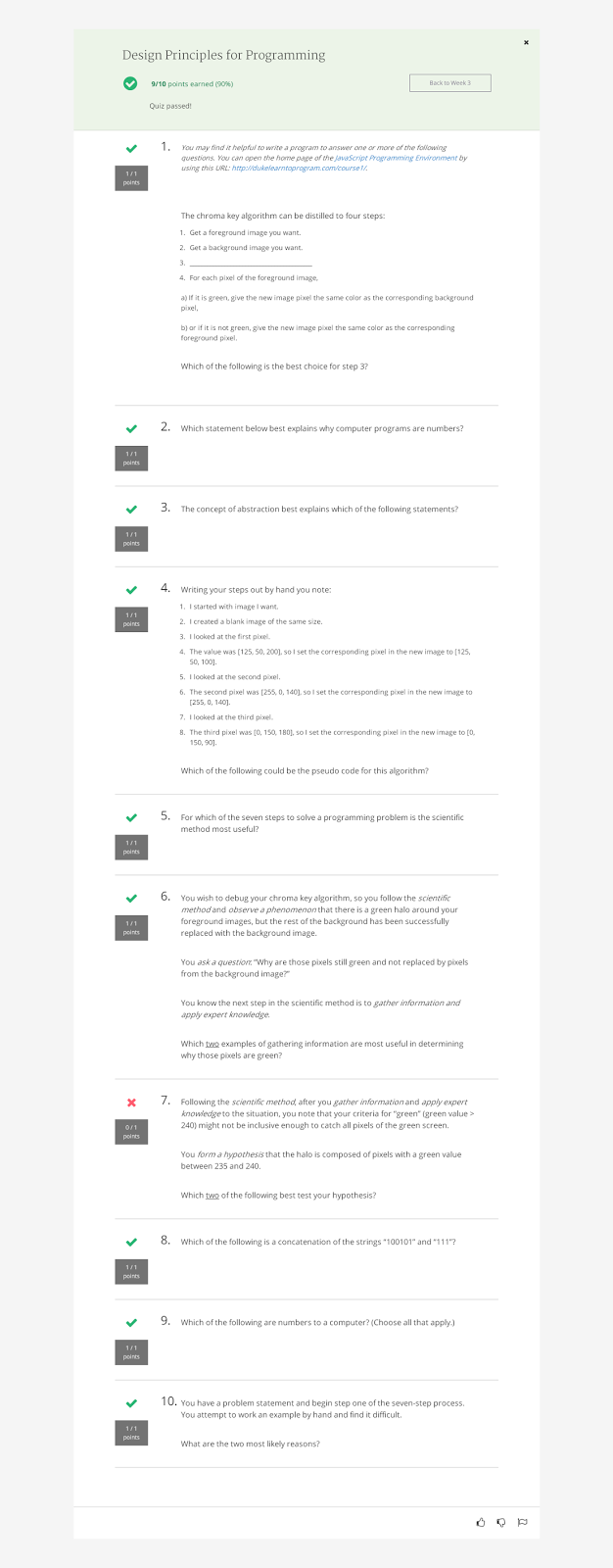
Everything is a Number solution week 3

Image

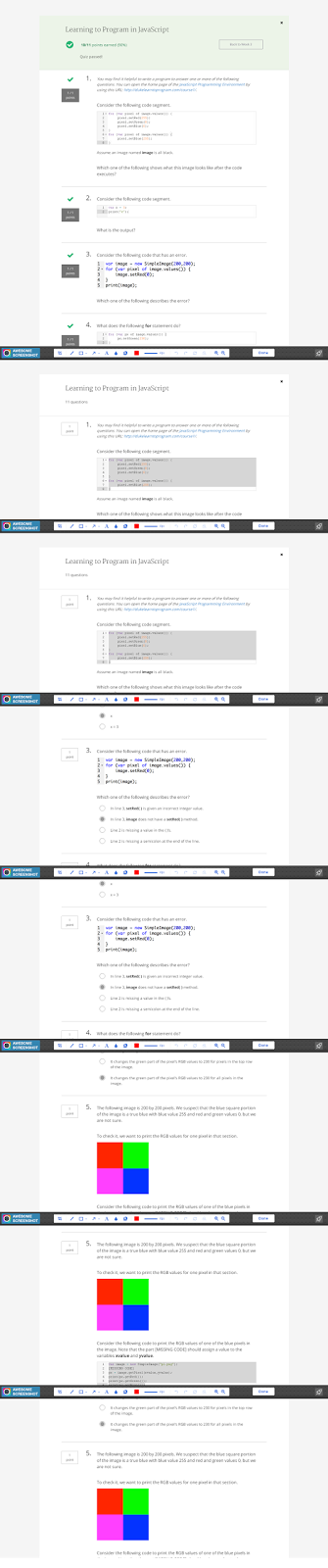
Answers To Coursera Learning To Program In JavaScript week 3 Quiz 1

Image

5 The following image is 200 by 200 pixels. We suspect that the blue square portion of the image is a true blue with blue value 255 and red and green values 0, but we are not sure.

Image
5 The following image is 200 by 200 pixels. We suspect that the blue square portion of the image is a true blue with blue value 255 and red and green values 0, but we are not sure. To check it, we want to print the RGB values for one pixel in that section. Consider the following code to print the RGB values of one of the blue pixels in the image. Note that the part [MISSING CODE] should assign a value to the variables  xvalue  and  yvalue . 1 2 3 4 5 6 var image = new SimpleImage ( "p1.png" ) ; [ MISSING CODE ] px = image . getPixel ( xvalue , yvalue ) ; print ( px . getRed ( )) ; print ( px . getGreen ( )) ; print ( px . getBlue ( )) ; Which  three  of the following are valid assignments to  xvalue  and  yvalue  as the [MISSING CODE] to print the value of one blue pixel? 1 2 var xvalue = image.getWidth()/3; var yv...